

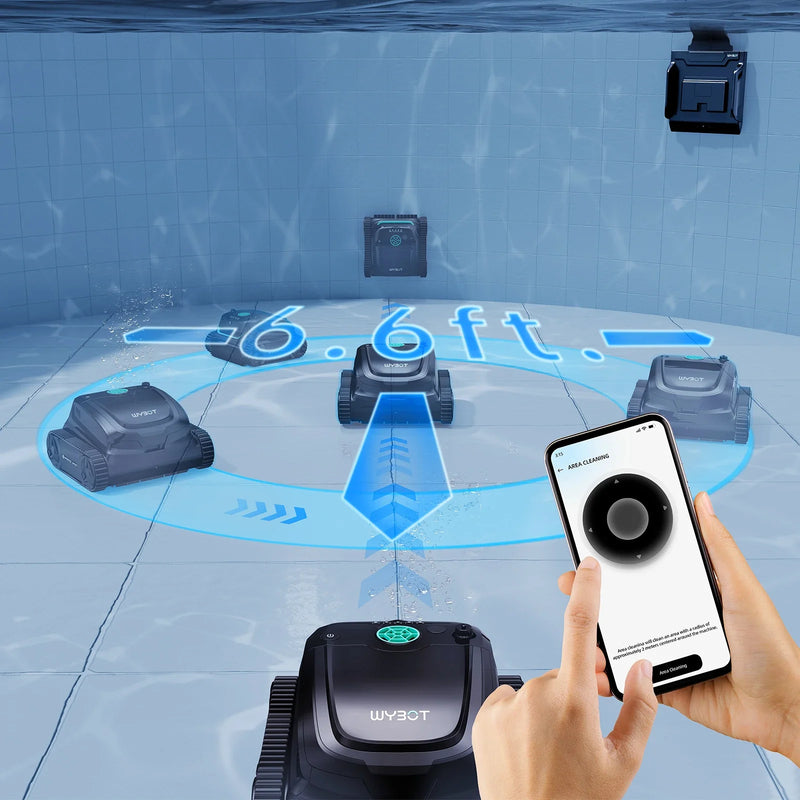
WYBOT robotic pool cleaners are designed to simplify pool maintenance with intelligent navigation, cordless convenience, and automatic cleaning cycles. However, like many smart cleaning devices, they may occasionally experience charging issues, connectivity interruptions, or performance inconsistencies that require a reset.
A reset can help restore normal operation when the cleaner does not respond correctly after charging, loses Bluetooth or app connection, fails to start cleaning cycles, or displays unusual behavior. In many cases, resetting the unit is a fast and effective troubleshooting method that avoids unnecessary downtime.
Understanding how and when to reset your WYBOT pool cleaner can help extend its lifespan, improve cleaning performance, and ensure a more reliable user experience throughout the swimming season.
Common Signs That Your WYBOT Pool Cleaner Needs a Reset
Before performing a reset, it is important to identify the symptoms that indicate the cleaner may benefit from restarting or reinitializing its system.
Common signs include:
- The cleaner does not power on after a full charge
- Charging indicators flash abnormally
- The robot stops moving during operation
- Bluetooth or Wi-Fi connection repeatedly fails
- The app cannot detect the cleaner
- Cleaning cycles do not start correctly
- The cleaner becomes unresponsive to button commands
- Navigation patterns appear irregular
These issues may occur after firmware updates, battery interruptions, long storage periods, or unstable charging conditions.
How Charging Problems Can Affect WYBOT Pool Cleaners
Charging-related problems are among the most common reasons users reset robotic pool cleaners. Since cordless WYBOT models rely on rechargeable lithium batteries, stable charging behavior is essential for consistent operation.
Several charging conditions can temporarily affect the cleaner’s software system:
Incomplete Charging Sessions
Removing the cleaner before the battery reaches sufficient charge may cause startup inconsistencies or interrupted cleaning cycles.
Dirty Charging Contacts
Mineral buildup, moisture, or debris on charging ports can interfere with proper power transfer.
Battery Protection Mode
Some WYBOT models include battery protection systems that temporarily disable operation when voltage levels become unstable.
Overheating Protection
If the unit becomes excessively warm during charging or operation, built-in protection features may pause normal functions until the system resets.
Understanding these conditions helps pool owners avoid unnecessary concern and maintain smoother cleaner performance.

Step-by-Step Guide to Resetting a WYBOT Pool Cleaner
Resetting a WYBOT pool cleaner is usually straightforward. While exact procedures may vary slightly depending on the model, the following general process works for many popular cordless WYBOT cleaners.
Turn Off the Pool Cleaner Completely
Remove the cleaner from the water and place it on a dry, stable surface. Press and hold the power button until all indicator lights turn off.
Allow the cleaner to remain powered off for at least 30 seconds. This gives internal systems time to fully shut down.
Inspect the Charging Contacts
Before restarting the device, check the charging contacts carefully.
Use a clean, dry cloth to remove:
- Water residue
- Dirt
- Calcium buildup
- Pool chemicals
- Corrosion spots
Clean charging connections help ensure the reset process works correctly.
Reconnect the Charger Properly
Attach the official WYBOT charger securely and confirm the charging indicator behaves normally.
Most models display:
- Solid lights during full charge
- Flashing lights while charging
- Specific color indicators for battery status
Allow the cleaner to charge fully before proceeding.
Perform the Manual Reset
After charging, press and hold the power button for approximately 10 to 15 seconds.
On many WYBOT models, the indicator lights will blink or cycle during the reset process. Once the lights stabilize, release the button and wait for the cleaner to restart.
This process refreshes the internal control system and can resolve temporary software conflicts.
Reconnect the Mobile App
If connectivity problems were involved, open the WYBOT mobile app and remove the existing device pairing if necessary.
Then:
- Enable Bluetooth or Wi-Fi on your smartphone
- Restart the app
- Search for nearby devices
- Pair the cleaner again
- Confirm successful connection
A fresh connection often resolves communication problems caused by interrupted pairing sessions.
Troubleshooting Connectivity Problems After Resetting
If the cleaner still experiences connection issues after resetting, several additional troubleshooting steps may help.
Keep the Cleaner Close During Pairing
Bluetooth signals may weaken if the cleaner is too far from the phone during setup. Keep the device within a short distance when reconnecting.
Restart Your Smartphone
Temporary mobile operating system glitches can interfere with pairing. Restarting the phone may restore stable communication.
Update the WYBOT App
Older app versions may not communicate properly with newer cleaner firmware. Installing the latest version improves compatibility and stability.
Avoid Wireless Interference
Nearby wireless devices, routers, or smart home equipment may occasionally interfere with Bluetooth signals. Pair the cleaner in a less crowded wireless environment if possible.
Check Firmware Compatibility
Some advanced WYBOT models support firmware updates through the mobile app. Ensuring the firmware is current may improve connectivity performance and cleaning efficiency.
Preventing Future Charging and Connectivity Issues
Preventive maintenance can significantly reduce the likelihood of reset-related problems.
Store the Cleaner Correctly
After use, rinse the cleaner with fresh water and allow it to dry before storage.
Store the unit in:
- A cool environment
- A shaded area
- Dry indoor conditions
- Moderate temperatures
Avoid prolonged direct sunlight exposure.
Charge the Battery Regularly
Even during off-seasons, rechargeable batteries perform better when periodically charged. Long-term battery depletion can reduce battery efficiency.
Clean the Device Frequently
Routine cleaning prevents debris accumulation around:
- Charging ports
- Filter baskets
- Wheels
- Water sensors
- Motor inlets
Cleaner internal components support smoother system operation.
Use Official Charging Accessories
Using original WYBOT charging equipment helps maintain stable voltage and charging protection.
Third-party accessories may not deliver consistent power output.
Restart the Cleaner Periodically
Occasional restarts can refresh the software system and improve long-term operational stability.
This simple habit may help reduce minor electronic glitches before they become larger issues.
When to Contact WYBOT Customer Support
If resetting does not solve the problem, professional support may be necessary.
You should contact WYBOT support when:
- The cleaner does not charge at all
- Battery runtime becomes extremely short
- Error lights continue flashing
- The unit powers off repeatedly
- App connectivity completely fails
- Physical damage is visible
Providing the model number, purchase details, and a description of the issue can help speed up troubleshooting assistance.
Why Proper Reset Procedures Matter for Pool Cleaner Performance
A robotic pool cleaner is an important investment for maintaining clean and healthy swimming conditions. Proper reset procedures help protect electronic systems, maintain cleaning consistency, and reduce unnecessary interruptions.
By understanding how charging systems, wireless connectivity, and internal software interact, pool owners can solve many common issues quickly and confidently.
WYBOT pool cleaners are built for convenience and efficient operation, and learning basic troubleshooting techniques allows users to maximize the value and performance of their equipment over time.


